Images missing from your PDF? Lazy loading is the usual cause
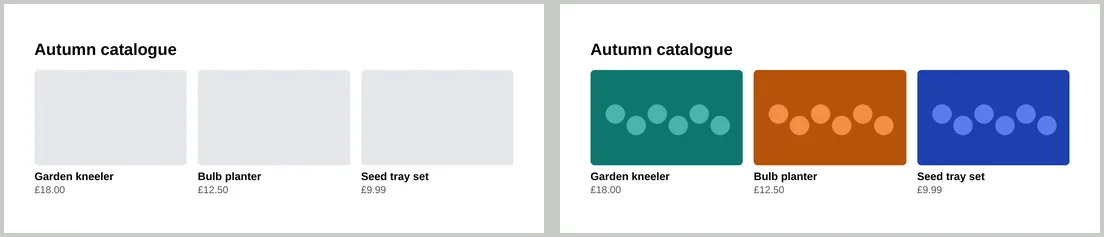
We ran each lazy-loading pattern five times. Native lazy images near the top were usually blank; plain images never were.
Lazy loading delays images until a visitor scrolls near them. It speeds up web pages, but the converter doesn’t scroll, and in our tests it made images unreliable. Here is what we measured and how to fix it.
Results
We converted each pattern five times and counted how often the image appeared in the PDF:
| Pattern | Near the top | Far down the page |
|---|---|---|
Normal <img>, no lazy loading | 5 of 5 | 5 of 5 |
loading="lazy" | 0 or 1 of 5 | 5 of 5 |
loading="eager" | 5 of 5 | not tested |
JavaScript loader (data-src and IntersectionObserver) | 5 of 5 | 0 of 5 |
Script that copies every data-src into src | 5 of 5 | 5 of 5 |
The native results surprised us: images at the top of the page were the ones that went missing. The cause is timing. The PDF is made once the page has finished loading, and lazy images and loader scripts can start their downloads too late. The pattern matters less than the rule: lazy loading of any kind made the PDF unpredictable.
Fixes for HTML you control
- Remove
loading="lazy", or change it toloading="eager", on every image the PDF needs. Changing it with a script after the page loads didn’t help in our tests; it has to be in the HTML. - Turn JavaScript loaders off in the version you convert, or put the real address straight into
src. If you can’t change the markup, this script at the end of<body>worked every time:
<script>
  document.querySelectorAll("img[data-src]").forEach(img => {
    img.src = img.dataset.src;
  });
</script>- Embed small images as data URLs, so there is nothing to download; see fonts and images in HTML to PDF.
For webpages you don’t control
When converting a public URL, you can’t change its HTML. If images are missing, try converting again. If they’re still missing, save the page’s HTML, remove the lazy loading, and paste it into the HTML Code tab with full image addresses.
Missing images that aren’t lazy
If an image address returns an error such as 404, the PDF is made without it. If its server can’t be reached at all, the conversion fails. Check that each image opens in a private browser window.